 mockup
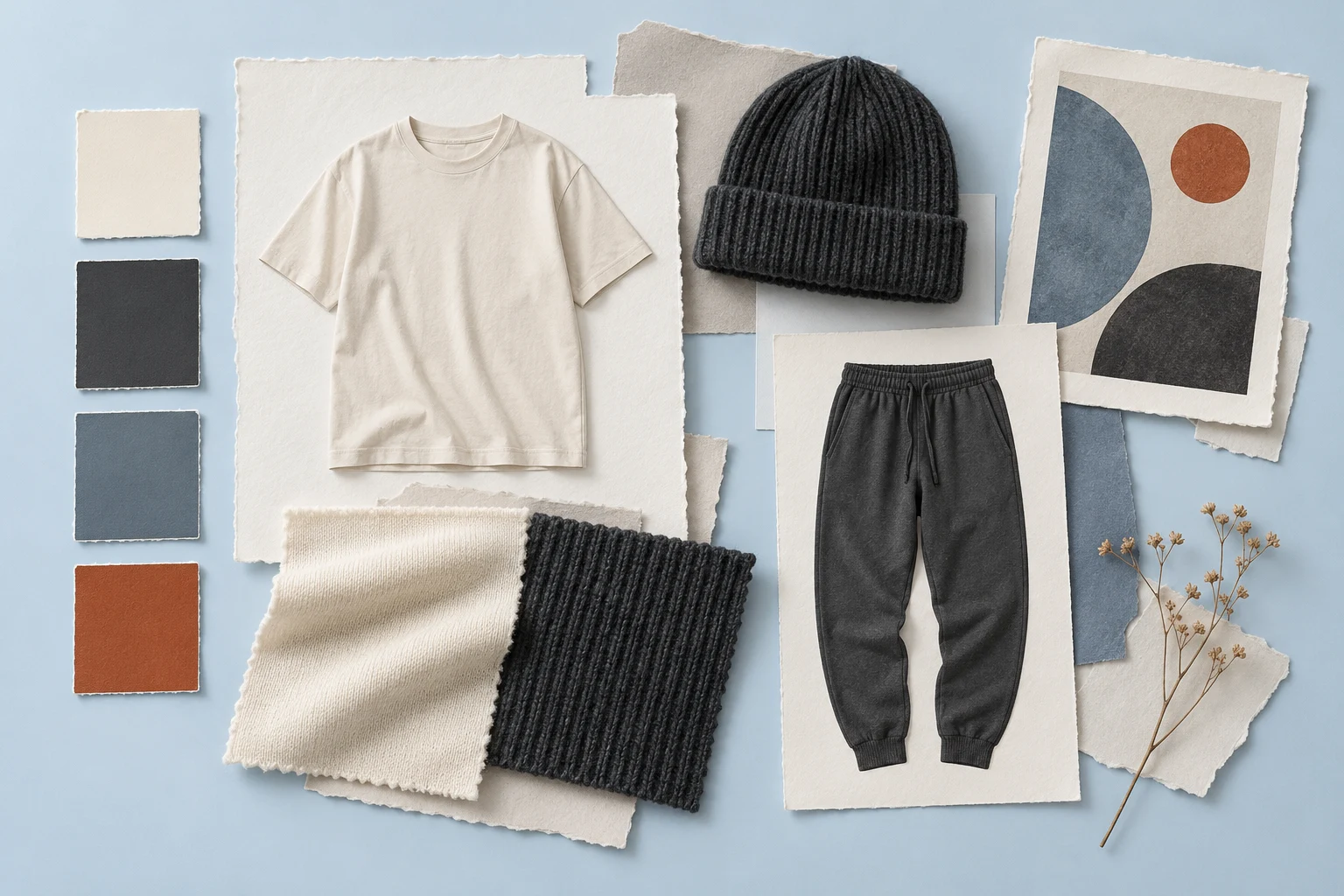
A fashion lookbook presents a collection as a coherent visual story. A concept lookbook can use clothing mockups to explain the proposed direction before samples exist. Decide who will read it and what decision it should support, then choose a short sequence of images instead of collecting every export you have made.
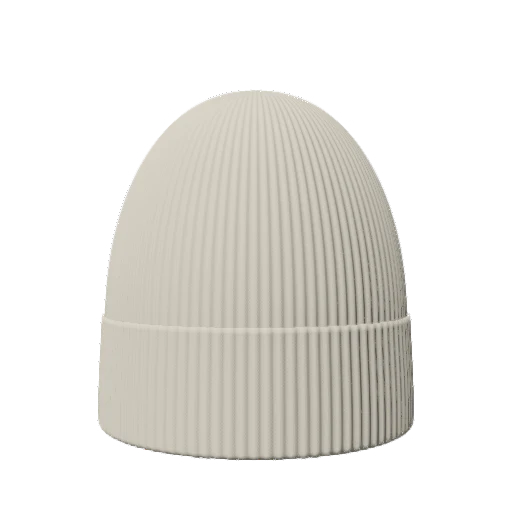
Build the sequence around the reader’s decision. Use consistent images, useful product notes, and clear labels for concepts and confirmed products.
1. Choose the audience and the purpose
A collaborator reviewing artwork needs different information from a buyer evaluating finished clothing. For an early design review, emphasize the silhouette, color relationships, and placement questions. For a finished collection, show the actual pieces and the details a viewer needs to understand them. Write the purpose at the top of your working brief before deciding how many pages to make.
Do not make a concept book quietly look like a verified product catalog. If the garment model is illustrative or a color is still under discussion, say so near the relevant look. A simple status note is more useful than expecting the reader to infer which details have been confirmed. Keep commercial claims and production availability tied to what you actually know.
2. Build a sequence before decorating the pages
Start with an opening look that explains the collection, follow with the main pieces, then close with a useful overview or next step. A short three-piece concept might have a cover, a collection overview, one page per style, and a final review page. This is an example structure; add a page only when it answers a different question.
Give each look a clear role. One can introduce the dominant graphic, another demonstrate a quieter application, and a third connect the palette across product types. If two pages show almost the same image without adding information, combine them. Story here means an intentional relationship between the looks, not a long paragraph of brand language beside every picture.
- Opening: what is the collection’s visual idea?
- Overview: how do the pieces relate?
- Individual looks: what is distinctive about each piece?
- Closing: what should the reader review or do next?
3. Make a repeatable shot list
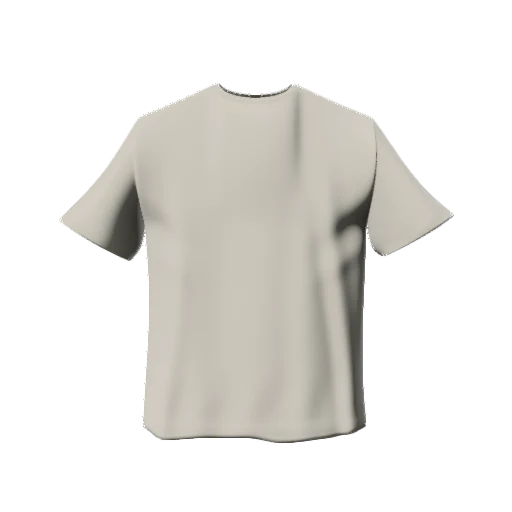
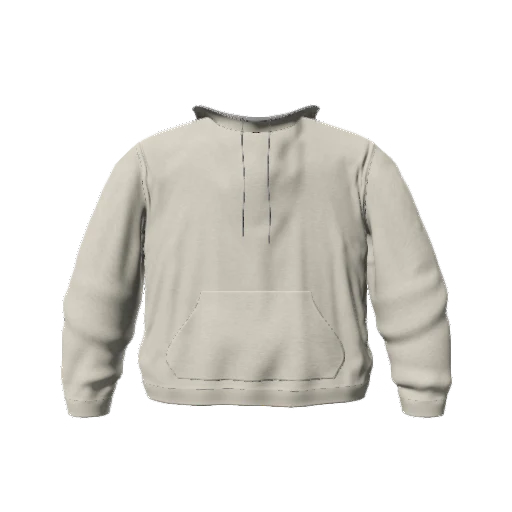
For each style, decide which view explains it best. A plain front view can show the main artwork; a back view matters when there is a separate design; an angled view can help describe how the graphic relates to the garment. Do not add an angle just because it is available. Keep the scale and framing similar when readers need to compare pieces.
Use the same background and lighting for the comparison images, then reserve more expressive presentation for an opening or closing page. Different lighting on every style can make matching colors seem unrelated. Check the exported images together at the size of the actual page rather than judging each one in isolation at full screen.
4. Create the mockup views, then assemble the book
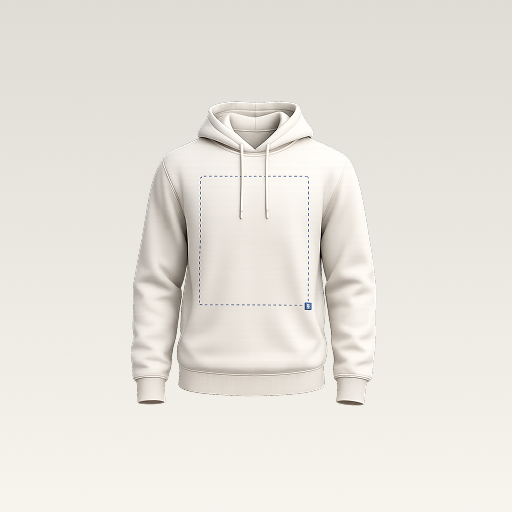
In 3D Mockup, place your original graphics on available garments, choose the view, and export the selected concepts. Save the projects so a placement revision does not require rebuilding the composition. Keep export names aligned with the style names in your brief. That makes it easier to replace one image without accidentally changing the wrong look.
Assemble the pages in your preferred layout tool after exporting. The app’s garment-image workflow does not imply built-in PDF layout, publication hosting, or a shoppable lookbook. Treat those as separate steps. Begin with simple page layouts and one readable type hierarchy; elaborate decoration should not make it difficult to see the actual design.
Prepare a consistent set of variant images5. Write captions that carry useful information
Include a style identifier, the proposed garment color, the relevant view, and the status of the concept. If a detail is still undecided, state the question: approve the small chest logo or compare the alternate back graphic. Avoid long descriptions that repeat what the image already shows while leaving the actual decision unclear.
Keep captions and image versions synchronized. If the artwork changes from version three to version four, update the page reference as well. When multiple language editions are needed, translate the written notes and confirm that no meaning depends on text embedded in the image. A consistent set of style identifiers can remain shared across languages.
6. Review it on a phone and at the intended output size
Read the complete sequence on a narrow screen, not only in the layout editor. Check whether the smallest text remains legible, whether a reader can distinguish front and back, and whether page breaks separate a caption from its image. If sharing a PDF, open the actual exported file. A good-looking editor canvas is not proof that the delivered document reads well.
After samples exist, replace or supplement concept images with photographs that show the real fabric, finish, and fit. Keep earlier concept books separately versioned. The lookbook can evolve with the collection, but its labels should continue to tell readers what they are seeing and which decisions have been confirmed.
Quick answers
Can I use mockups in an early fashion lookbook?
Yes, as clearly identified concepts for a design presentation. Use actual product imagery when you need to communicate confirmed material, fit, and finish.
Does 3D Mockup export a finished lookbook PDF?
This guide uses the app to export garment preview images. Assemble and export the lookbook document in a separate layout tool.
Further reading
Background on a lookbook’s role in presenting a collection. The mockup-led concept workflow here is an editorial example, not an integration claim.
Published by 3D Mockup. These guides explain a mockup workflow, not manufacturing specifications. Studio access requires a subscription; AI artwork generation uses credits.