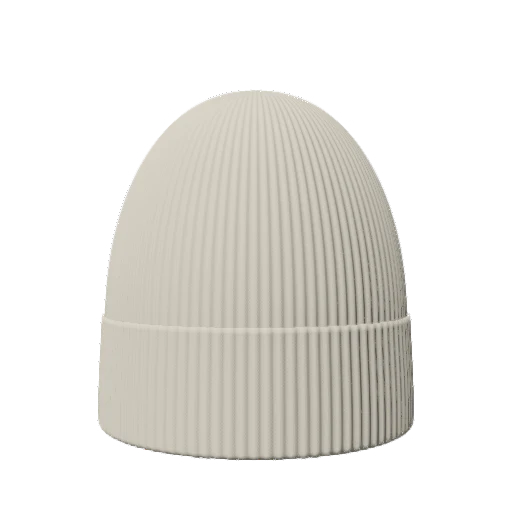
Your art. Your placement.
Import your logo, graphics, or photos. Add text, then move, resize, and rotate it across the garment.
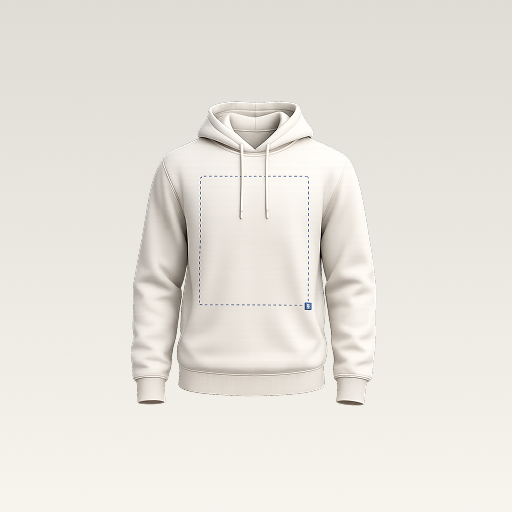 mockup.Get the app
YOUR CLOTHING STUDIO. IN YOUR POCKET.
Take it from a what-if to a wear-it.
Bring your ideas to life on 3D garments, with a design studio that goes wherever you do.
For iPhone & Android Subscription required for studio access.
A little less imagining. A little more making.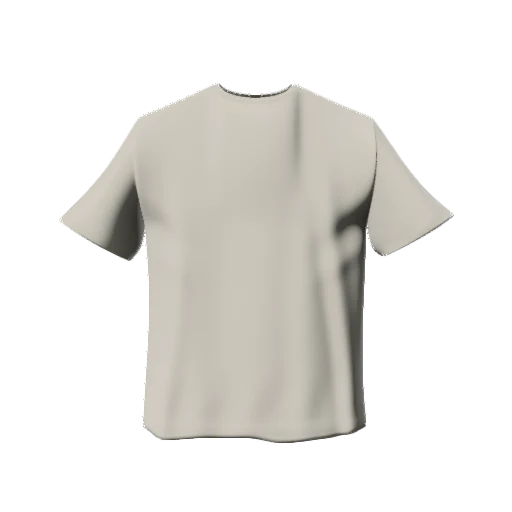
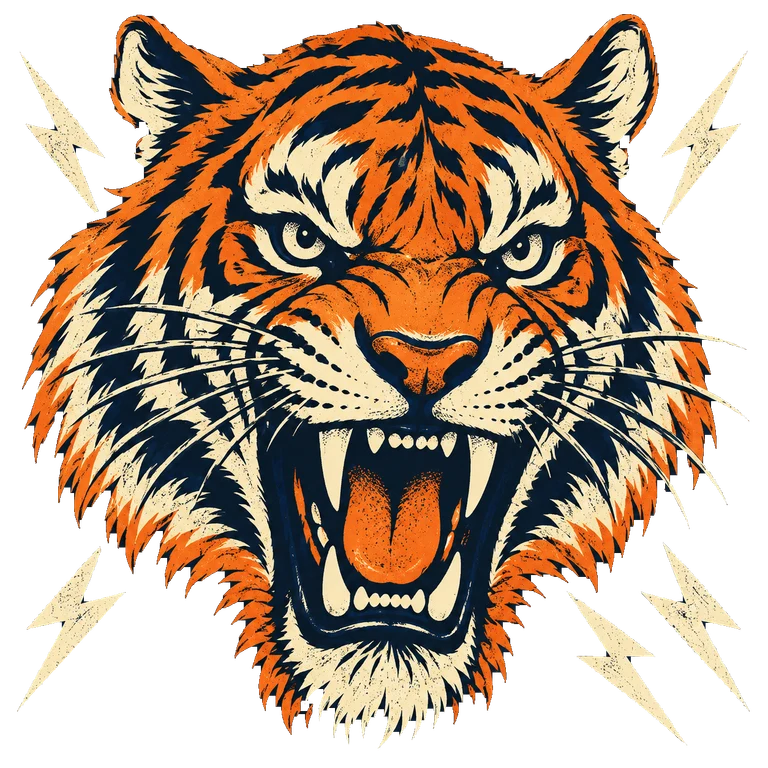
An illustrative design example. Explore the 3D editor in the app.
01 / THE STUDIO
From the first sketch of your label to merch for your people.
Make a visual you can actually put out there.
YOUR IDEAS LOOK GOOD ON YOU.
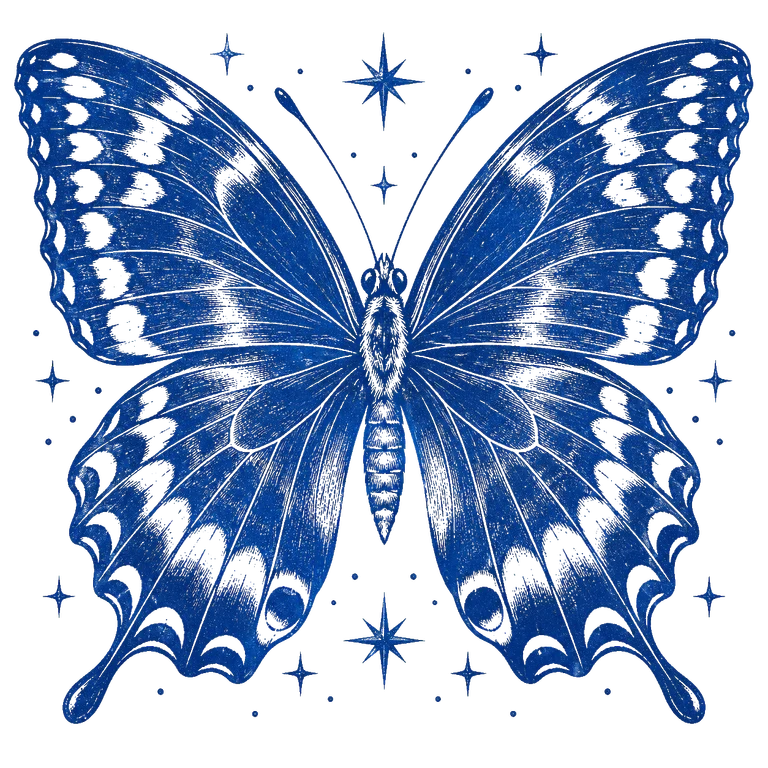

Import your logo, graphics, or photos. Add text, then move, resize, and rotate it across the garment.
Explore colors, fabric materials, lighting, and backgrounds. Preview the front and back in 3D.
Generate artwork from a prompt, choose a style, and bring it into your design. Artwork generation uses credits.
Save a project to keep working later. Export a PNG or a colorway pack for your next launch, pitch, or post.
02 / FIND YOUR CANVAS
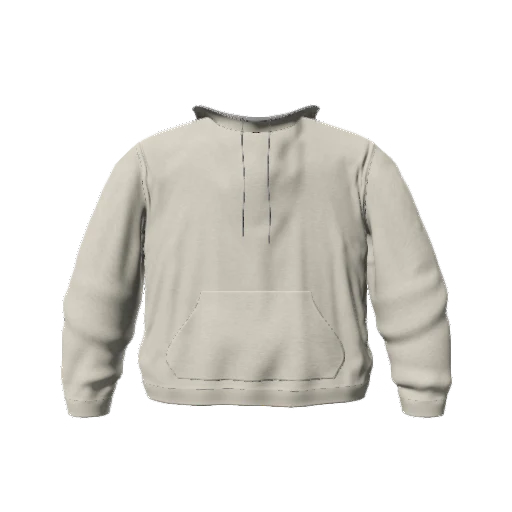
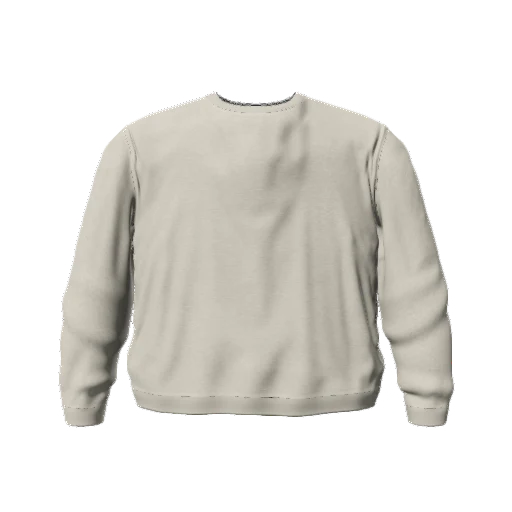
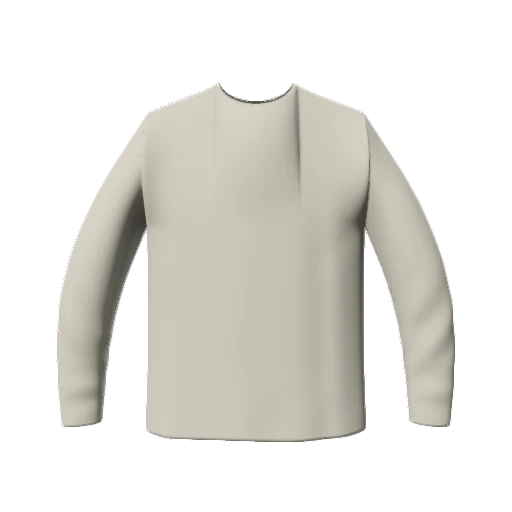
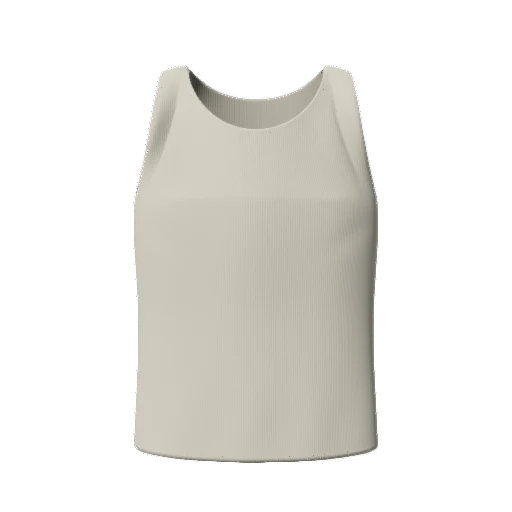
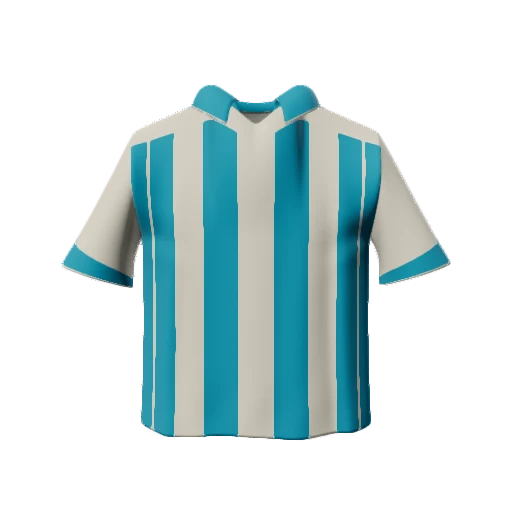
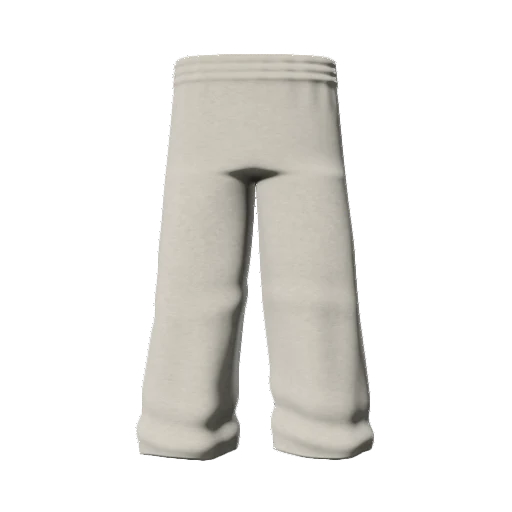
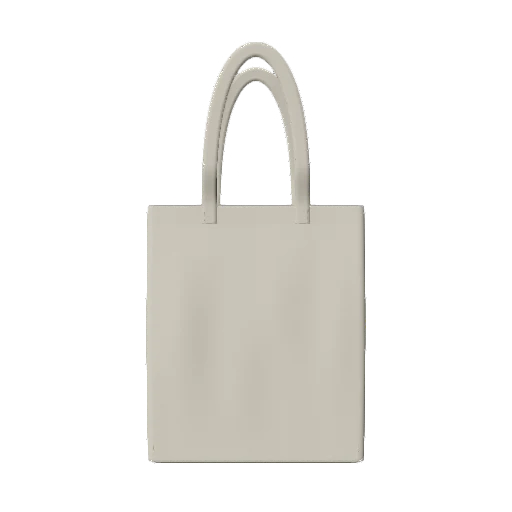
A hoodie for your next drop. A jersey for your team.
A tote for your everyday. Start with a piece that fits the idea.
03 / FROM IDEA TO IMAGE
Choose a garment. Start with the front, then make the back yours too.
Choose garmentAdd your artwork. Dial in the placement, colors, fabric, and lighting.
Add artworkPreview it in 3D, save your design, and export an image to share.
Export mockupFROM THE BLOG / STUDIO NOTES
Getting started 5 min read
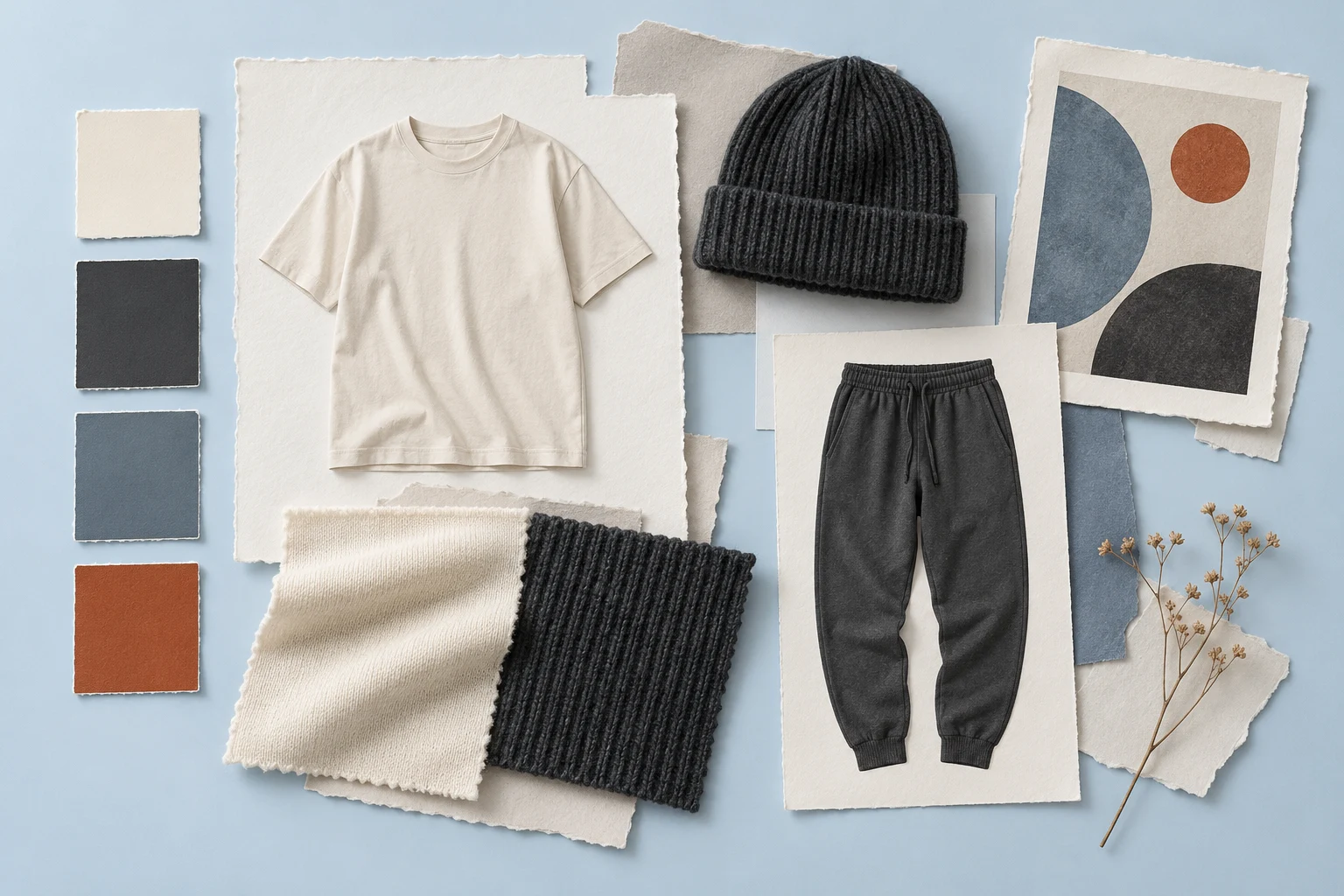
Build a useful fashion moodboard with a clear theme, palette, silhouettes, and texture references. Then test the direction on a clothing mockup.
Read the guideWorkflow 5 min read
Plan a small fashion lookbook with consistent views, clear product notes, and an intentional sequence. Separate concept previews from finished-product photography.
Read the guideDesign tips 5 min read
Create a sweatpants or joggers mockup with readable thigh logos and vertical graphics. Check pockets, knees, cuffs, and wearer-side labels before sampling.
Read the guide04 / GOOD TO KNOW
Visualize clothing and merch before making them. Choose from T-shirts, hoodies, jerseys, outerwear, bottoms, headwear, and tote bags, then add your artwork and customize the look.
Yes. Import your images and logos, or add a text layer. You can move, scale, and rotate layers on the garment. Artwork generation is also available in the app.
The app is free to download. Access to the studio requires a subscription, and AI artwork generation uses credits. Check the app for current plans, trial availability, and prices in your region.
3D Mockup creates design previews and exported mockup images. It does not print, manufacture, or ship clothing, and the preview is not a production pattern.
3D Mockup is available for iPhone on the App Store and for Android on Google Play. The store listings show current device and operating system requirements.
THE NEXT GREAT IDEA IS YOURS.
Your pocket-sized studio. Your next big thing.
Free to download. Subscription required for studio access.
Artwork generation uses credits. See the app for plans and pricing.
ONE IDEA.