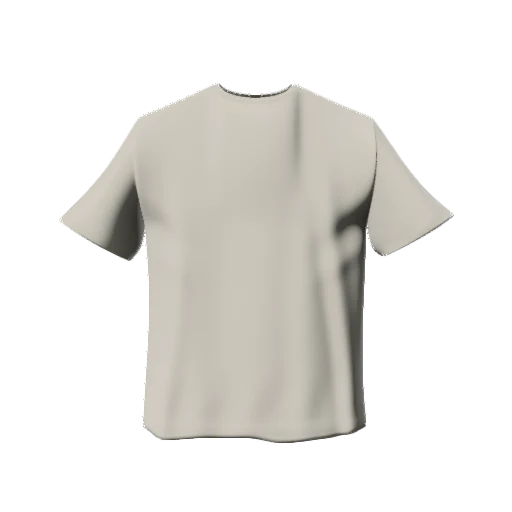
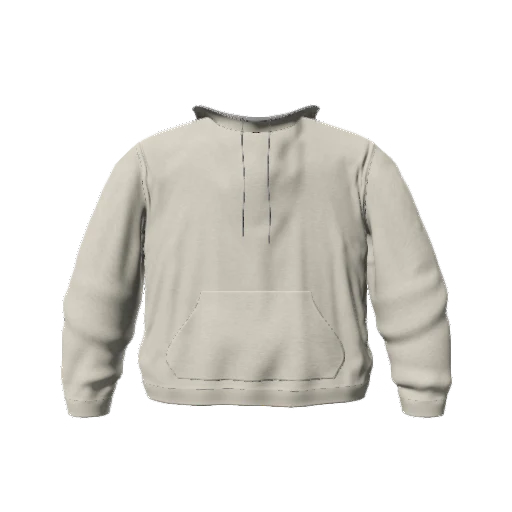
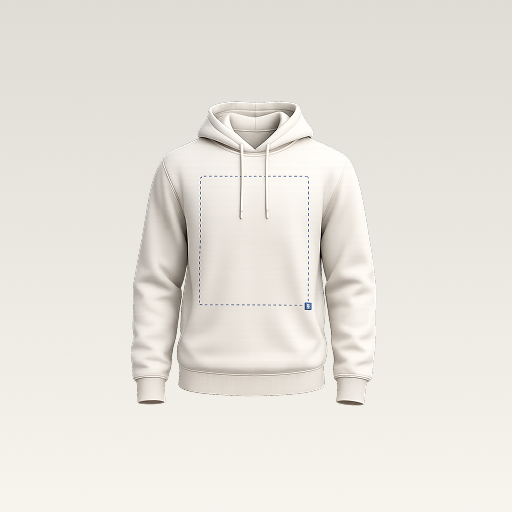
 mockup
Use a 3D clothing mockup when you want to explore a design from different angles. Use a layered PSD mockup when you want to place artwork into a particular photographed scene. Neither is automatically better: the right choice depends on whether you are making design decisions or polishing a specific presentation image.
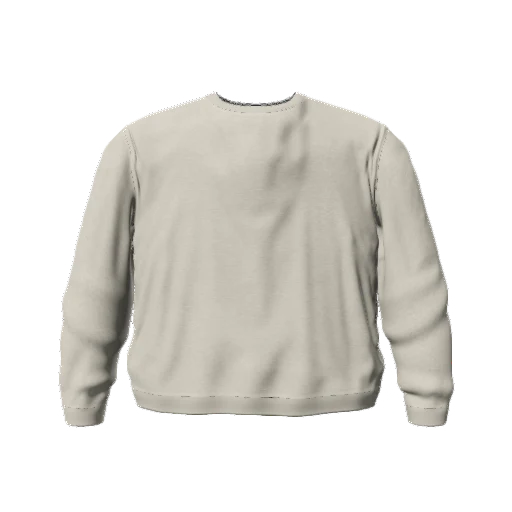
3D is useful for exploring the garment. A PSD template is useful for a specific scene. Neither replaces the printer's production template.
The main difference is what you can change
A 3D workflow uses a garment model. You can inspect it from different viewpoints and see how your graphic relates to the surface. In 3D Mockup, the mobile editor also lets you change the garment's color, fabric appearance, lighting, and background.
A PSD is a layered image file. A clothing mockup template may include a replaceable artwork layer, masks, and effects arranged around a photograph or rendered scene. What you can adjust depends on how that particular template was built. Do not assume every PSD offers the same controls.
Compare the decision, not just the image
Ask what you need to learn from the mockup. A new chest graphic needs placement checks. A campaign banner may need a very specific scene. These are different tasks, even when the same artwork appears in both.
| Your task | 3D workflow | PSD template |
|---|---|---|
| Explore different angles | Useful for rotating the garment | Usually limited to the supplied scene |
| Work on a phone | 3D Mockup runs on iPhone and Android | Requires a compatible layered-image editor |
| Use a specific photograph | Depends on the available backgrounds | Useful when that scene is already in the template |
| Prepare print specifications | Use a separate printer template | A presentation PSD is not automatically a print template |
Choose 3D for design exploration
Use 3D when you are deciding where the design belongs, whether it reads on the back, or how several colorways compare. Keep the camera and lighting stable while adjusting artwork so you can tell which change actually improved the composition.
A phone-based workflow is useful for quick iterations away from a desktop. In 3D Mockup, choose a garment, import your artwork, inspect the result, and export a PNG when the composition is ready. Save the project if you want to keep refining it later.
Try the phone-based T-shirt workflowChoose a PSD when the scene is the priority
A layered template can be a good fit when you already know the scene you want: a flat lay, a garment hanging in a room, or a photographed model. Check the template's instructions, supported editor, artwork layers, and usage license before relying on it.
The photograph also sets constraints. If the sleeve or back is not visible, replacing the front artwork will not reveal it. For multiple angles, you may need a coordinated set of templates rather than one file.
You can use both without mixing up the files
Explore your concept in 3D, then prepare a separate presentation image in the tool that fits the final use. Keep the original artwork, editable project, and exported mockup organized as different files. That makes future changes much easier than trying to extract a graphic from a finished image.
For manufacture, check the actual blank and printing method. Neither a convincing 3D render nor an attractive photographed template proves fabric fit, exact print placement, or color accuracy. Those decisions need supplier specifications and, where appropriate, a sample.
Quick answers
Does 3D Mockup import PSD templates?
This workflow uses images or text placed on garments inside the app, not layered PSD mockup templates. Prepare your graphic in your artwork tool, then import an image.
Is a 3D mockup a virtual fitting tool?
No. This app previews artwork on garment models. It does not predict how a specific garment will fit a person's body.
Published by 3D Mockup. These guides explain a mockup workflow, not manufacturing specifications. Studio access requires a subscription; AI artwork generation uses credits.