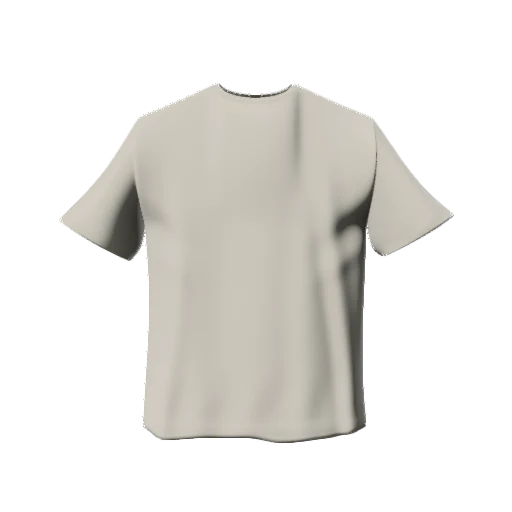
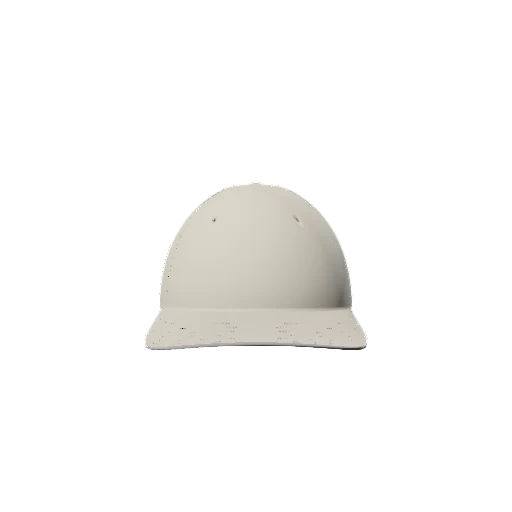
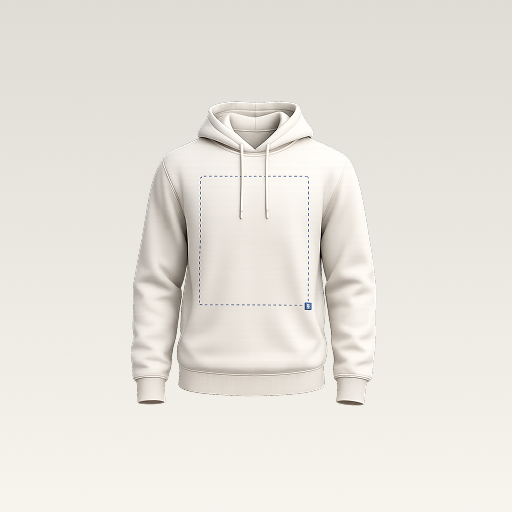
 mockup
A clothing mockup is a visual preview of a design on a garment. It helps you explore a logo, print placement, or color before making the physical item. A 3D clothing mockup adds a garment model you can inspect from different angles. It is a design and presentation tool, not proof of fit or a ready-to-print production file.
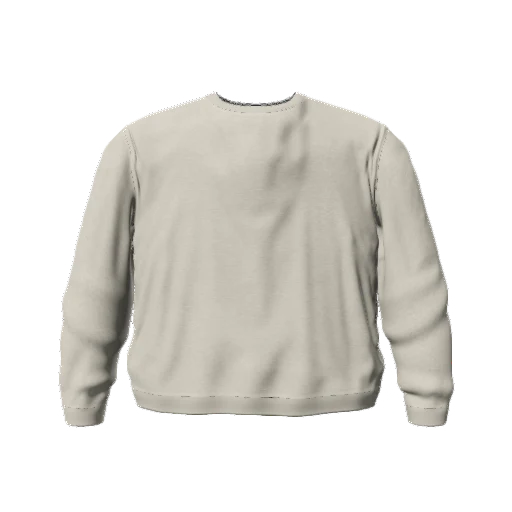
A mockup shows the intended look. Your original artwork and the supplier's production requirements are separate parts of making the actual garment.
What is a mockup, in plain language?
A mockup makes an idea visible in context. Instead of looking at a logo alone, you see it on a T-shirt, hoodie, or cap. That context changes how you judge the size, position, contrast, and overall balance of the design.
The word is also used for packaging, websites, and other products. This guide is about clothing mockups: previews that put artwork on garments. They are useful when you need to explain a design to a collaborator, compare options, or prepare a concept image.
What is a 3D mockup?
A 3D mockup uses a digital model rather than a single fixed photograph. You can inspect the model from different viewpoints and check how a graphic relates to the garment's surface. Depending on the editor, you can also adjust color, material appearance, and lighting.
In 3D Mockup, you choose a garment, add image or text layers, adjust the design, and export an image. The exported PNG is a flat image of that preview. It is not a downloadable 3D manufacturing pattern, and the app is not a virtual fitting system for a person's body.
Mockup, product photo, and print file are different things
A mockup communicates an intended design. A product photo documents a physical item you have actually photographed. A print file is the artwork prepared for a specific printing process. A convincing mockup does not automatically become either of the other two.
Keep these files separate. Save your editable artwork, your mockup project, and the exported presentation image. When working with a printer, provide the required artwork and measurements as well as a mockup that explains the intended look.
- Mockup: a design preview for comparison or communication.
- Product photo: an image of the actual finished garment.
- Print artwork: a source file prepared to the supplier's specifications.
Choose the workflow for the question you need to answer
Use a 3D preview to explore angles, placement, and garment colors. Use a photographed or layered-image template when a particular scene is the priority. Both can help with presentation, but their controls depend on the tool or template.
If the question is whether a specific ink, fabric, or embroidery finish will work in production, an on-screen preview is not enough. Confirm that with the supplier and use an appropriate physical sample when the details matter.
Compare the 3D and PSD workflowsMake your first clothing mockup without overcomplicating it
Start with one garment and one graphic. Pick a neutral color, add the artwork, and check the placement from a straightforward front view. Save the project, export a PNG, and review the completed image outside the editor.
Once that version communicates the idea clearly, explore a back design or a small colorway set. Avoid changing the graphic, garment, lighting, and background all at once; you will have a harder time knowing which decision improved the result.
Follow the first T-shirt mockup guideQuick answers
Is a mockup the same as a prototype?
In this clothing workflow, the mockup is a visual concept. A physical sample or prototype lets you examine real construction, fit, and finish. The visual preview does not replace that check.
Does a mockup generator print my design?
Not necessarily. 3D Mockup creates previews and exported images; it does not manufacture, print, or ship garments.
Published by 3D Mockup. These guides explain a mockup workflow, not manufacturing specifications. Studio access requires a subscription; AI artwork generation uses credits.